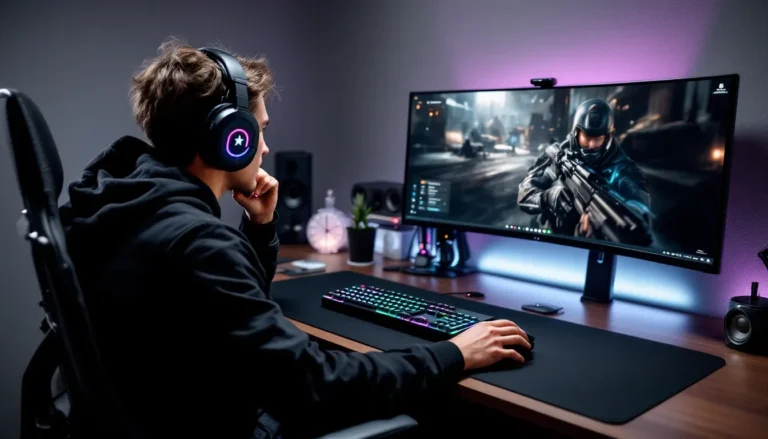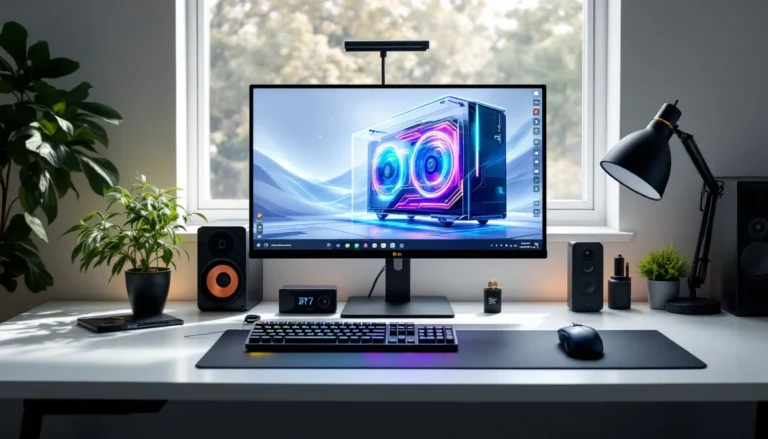

Building a luxury gaming room isn’t just about throwing money at the latest hardware. It’s about creating a space where performance, comfort, and aesthetics align to deliver the ultimate gaming experience, whether you’re grinding ranked matches, streaming to thousands, or just escaping into your favorite worlds after work.
In 2026, the bar for what constitutes a “luxury” setup has shifted. We’re talking about spaces that rival professional esports training facilities, with custom lighting that responds to in-game events, acoustics that capture every footstep, and ergonomics that support marathon sessions without wrecking your back. This guide breaks down everything you need to know to build a gaming room that’s genuinely exceptional, from the foundational planning stages to the final aesthetic touches that make the space yours.
Key Takeaways
- A luxury gaming room prioritizes performance, comfort, and aesthetics by combining high-end hardware, ergonomic furniture, proper acoustics, and smart climate control rather than just expensive components.
- Essential hardware for a luxury gaming room in 2026 includes NVIDIA RTX 50-series or AMD RX 8000-series GPUs, OLED monitors with sub-1ms response times, and professional-grade peripherals designed for precision and durability.
- Invest in ergonomic office chairs from brands like Herman Miller or Steelcase and custom motorized desks over gaming-style furniture—proper seating support during 40+ hour weekly sessions prevents long-term health problems.
- Acoustic treatment with fabric-wrapped fiberglass panels, bass traps, and proper cable management are foundational luxury gaming room upgrades that most builders overlook but directly improve streaming quality and competitive gameplay.
- Smart home integration through voice control, presence detection, and automated scenes transforms your luxury gaming space from manual operation to an environment that anticipates your needs based on time of day and activity.
- Plan your luxury gaming room in phases starting with display, seating, and audio fundamentals, then layer in climate control and aesthetics—building over six months with quality priorities beats rushing to compromise on essential elements.
What Defines a Luxury Gaming Room?
A luxury gaming room goes beyond a decent PC and a comfortable chair. It’s an intentionally designed environment where every element serves both function and form.
At the hardware level, you’re looking at top-tier components: GPUs that handle 4K at 240Hz without breaking a sweat, monitors with OLED panels and sub-1ms response times, and peripherals with tournament-grade precision. But hardware alone doesn’t make a space luxurious.
The real differentiators are the details most gamers overlook. Proper acoustic treatment that eliminates echo and background noise during streams. Climate control that keeps your rig cool during intensive sessions. Custom cable management that makes your setup look like it belongs in a magazine spread, not a dorm room.
Luxury also means personalization. Display cases for your collectibles, themed lighting that matches your favorite games, and furniture built to your exact specifications. It’s the difference between a functional workspace and a room you actually want to spend time in.
Finally, a luxury gaming room anticipates your needs. Smart home integration lets you control lighting, temperature, and even your PC’s RGB with voice commands or scenes. Multi-monitor setups handle gaming, streaming, and chat simultaneously without forcing you to alt-tab constantly. Everything is within arm’s reach, and nothing breaks your immersion.
Planning Your Luxury Gaming Space
Choosing the Right Room and Layout
Location matters more than you’d think. Ideally, you want a dedicated room with a door, both for sound isolation and to separate your gaming space from the rest of your home. Spare bedrooms work well, but basements offer natural temperature advantages and fewer noise complaints.
Square footage determines what’s possible. A minimum of 100-120 square feet gives you room for a full desk setup, seating, and some walking space. If you’re planning a streaming zone or VR area, budget at least 150-200 square feet.
Layout should prioritize your primary display. Position your desk so windows are perpendicular to your monitors, not behind them, glare is the enemy of immersion. Leave at least 3-4 feet behind your chair for reclining and adjusting your seating position without hitting a wall.
Consider traffic flow. If you’re streaming or creating content, position your camera-facing setup away from the door so viewers don’t see people walking past in the background. Cable runs should be planned before you commit to furniture placement, routing power and ethernet after the fact is a nightmare.
Setting Your Budget and Priorities
Luxury gaming rooms can run anywhere from $10,000 to six figures depending on how deep you go. Setting a realistic budget upfront prevents scope creep and helps you prioritize what matters most.
Break your budget into categories: hardware (30-40%), furniture and ergonomics (15-20%), audio/visual (15-20%), lighting and aesthetics (10-15%), and climate/smart home (10-15%). These percentages shift based on your priorities, streamers might allocate more to audio and lighting, while competitive players invest heavily in monitors and peripherals.
Prioritize components that directly impact your experience. A $2,000 ergonomic chair you’ll use for 40+ hours a week delivers more value than a $2,000 wall-mounted sword collection. Start with the fundamentals, display, seating, and audio, then layer in the luxury touches.
Build in phases if needed. It’s better to do the room right over six months than to compromise on quality to hit an arbitrary deadline. Core hardware comes first, followed by furniture and acoustics, then aesthetic upgrades and automation.
Premium Gaming Hardware and Equipment
High-End Gaming PCs and Consoles
In 2026, a luxury gaming PC means NVIDIA RTX 50-series or AMD Radeon RX 8000-series GPUs paired with Intel 15th-gen or AMD Ryzen 9000-series processors. You’re targeting 4K gaming at 240Hz or ultrawide 5K2K at 165Hz+. Minimum 32GB DDR5 RAM, though 64GB is increasingly common for streaming and content creation.
Storage should be all NVMe, 2TB for your primary drive, supplemented with 4TB+ for your game library. Gen 5 SSDs offer read speeds over 12,000 MB/s, which translates to near-instant load times even in massive open-world titles.
Cooling separates premium builds from standard ones. Custom water cooling loops aren’t just for aesthetics, they keep CPUs and GPUs quieter under load and extend component lifespan. AIO coolers work if you prefer less maintenance, but go with 360mm or larger radiators.
For consoles, the PlayStation 5 Pro and Xbox Series X refresh models released in late 2025 deliver native 4K at 120fps in most titles. Keep both if you’re serious about exclusives, storage expansion is expensive, so budget for 2TB+ expansion cards from the start.
Elite Monitors and Display Technology
Monitor choice defines your visual experience. For competitive gaming, OLED panels from LG, Samsung, or ASUS offer perfect blacks and sub-0.03ms response times. The RTINGS monitor reviews provide detailed input lag and response time measurements that matter when milliseconds count.
Popular luxury configurations include:
- Competitive FPS: 27″ 1440p OLED at 360Hz (LG 27GS95QE or ASUS ROG Swift PG27AQDM)
- Immersive single-player: 32″ 4K OLED at 240Hz (ASUS ROG Swift PG32UCDM)
- Ultrawide productivity: 49″ 5120×1440 240Hz (Samsung Odyssey OLED G9)
Mini-LED remains viable for HDR brightness, with models like the ASUS PG32UQX hitting 1,400+ nits in peak highlights. OLED can’t match that ceiling, but the overall image quality and motion clarity usually win out.
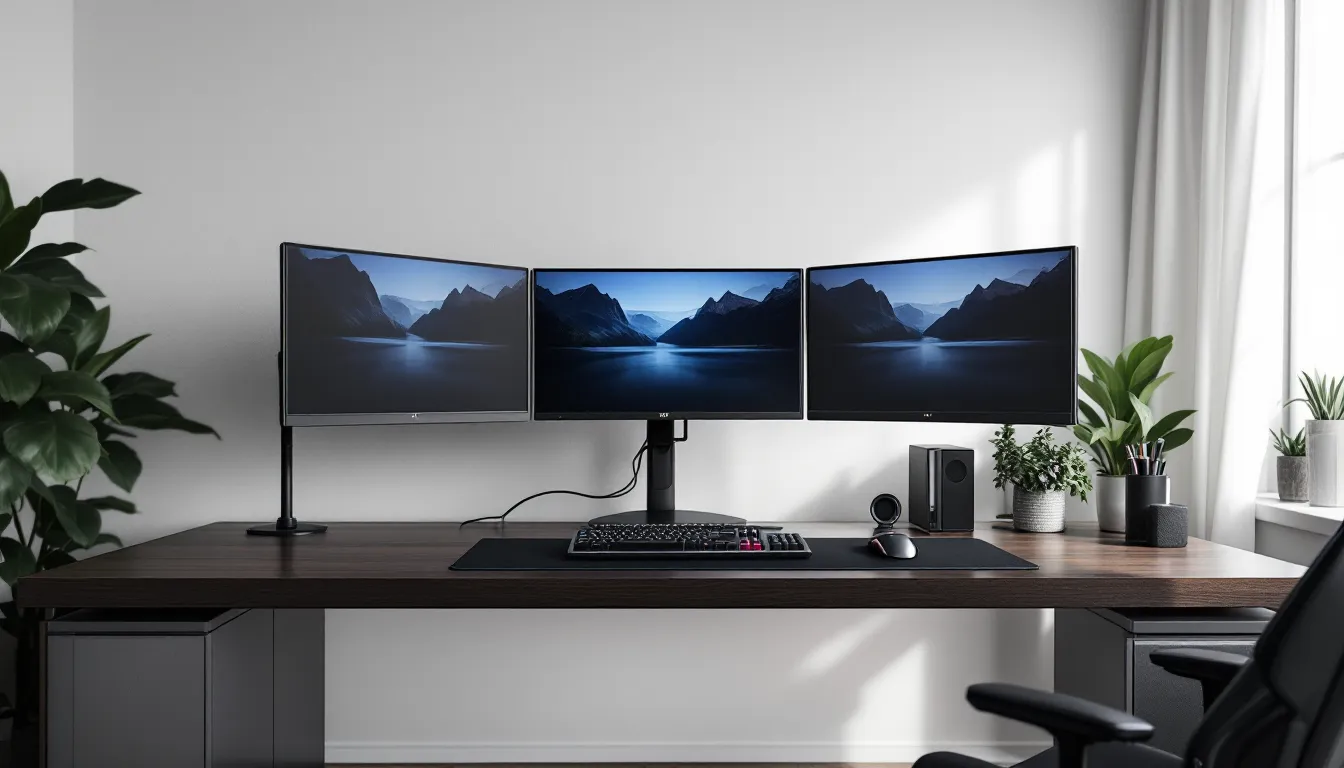
Multi-monitor setups work best with three identical displays in landscape or a primary gaming monitor flanked by vertical 27″ panels for chat, guides, and monitoring tools. Mount them on heavy-duty arms, cheap mounts sag over time and create alignment headaches.
Professional-Grade Peripherals
Peripherals are where personal preference meets performance. For mice, sensors from PixArt (PAW3395) and custom implementations from Razer and Logitech deliver 30,000+ DPI with zero acceleration. Weight matters, competitive players trend toward 60-70g wireless mice like the Logitech G Pro X Superlight 2 or Razer Viper V3 Pro.
Keyboards split into camps. Mechanical enthusiasts swear by custom builds with lubed switches, PBT keycaps, and gasket mounts that deliver a premium typing feel. Gaming-first boards like the Wooting 60HE or Razer Huntsman V3 Pro offer adjustable actuation points and rapid trigger for competitive advantages in movement and counter-strafing.
Headsets for luxury setups should be wired for zero latency in competitive scenarios, wireless for comfort during casual sessions. The SteelSeries Arctis Nova Pro Wireless offers swappable batteries and simultaneous Bluetooth + 2.4GHz connections. For pure audio quality, dedicated headphones like the Sennheiser HD 800S paired with an external DAC/amp outclass any gaming headset.
Don’t overlook mousepads. Large desk mats (36″+ wide) from Artisan or custom print shops give you room to maneuver without worrying about edges.
Luxury Gaming Furniture and Seating
Premium Gaming Chairs and Ergonomics
Racing-style gaming chairs are falling out of favor among serious builders. The luxury market has shifted toward ergonomic office chairs designed for extended sitting, think Herman Miller, Steelcase, and Haworth rather than DXRacer and Secretlab.
The Herman Miller x Logitech Embody remains a top choice, with lumbar support designed specifically for gaming postures and materials that breathe during long sessions. It’s pricey at $1,800+, but the 12-year warranty and adjustment range justify the cost.
Alternatives worth considering:
- Steelcase Gesture: Best for multi-position sitting, supports leaning and reclining without losing lumbar support ($1,200-1,400)
- Haworth Fern: Excellent lower back support with a sleeker aesthetic ($1,000-1,200)
- Secretlab Titan Evo (if you must go gaming-brand): Improved ergonomics over older models, magnetic memory foam pillow ($600-700)
Adjustability is non-negotiable. Your chair should offer independent controls for seat height, armrest height/width/angle, lumbar depth, and recline tension. Set your seat height so your feet rest flat with thighs parallel to the floor, and position armrests so your elbows form 90-degree angles while your shoulders stay relaxed.
Custom Gaming Desks and Workstations
Off-the-shelf desks rarely cut it for luxury setups. Custom solutions from companies like Uplift, Fully, or local woodworkers let you specify exact dimensions, cable management, and materials.
Sit-stand motorized desks add versatility, standing for 15-20 minutes every hour improves circulation and reduces fatigue during marathon sessions. Look for dual-motor systems with at least 300lb weight capacity and memory presets for your sitting and standing heights.
Desktop materials matter for both aesthetics and durability:
- Solid wood (walnut, oak): Premium look, requires maintenance, can warp with humidity changes
- Laminate: Durable, budget-friendly, less distinctive
- Butcher block: Warm aesthetic, needs sealing, handles weight well
- Bamboo: Eco-friendly, harder than most woods, modern look
Size should accommodate your full setup with room to spare. A 72″x30″ surface handles a single ultrawide or dual 27″ monitors comfortably. If you’re running triple monitors or need space for streaming equipment, go 80″ wide minimum.
Integrated cable management transforms a clean setup into a professional one. Desk grommets, under-desk cable trays, and pegboard backplates keep wires hidden and organized. Velcro straps beat zip ties because you’ll adjust things constantly.
Immersive Audio and Acoustics
High-Fidelity Sound Systems
Great audio splits two ways: headphones for competitive gaming where positional accuracy matters, and speakers for everything else.
For speakers, active studio monitors deliver flat, accurate sound that reveals details compressed gaming headsets miss. The Kali Audio LP-6 V2 or Adam Audio T7V run $300-400 per pair and outperform any “gaming speaker” at twice the price. Position them at ear level, angled slightly inward, about 3-4 feet apart for proper stereo imaging.
Subwoofers add immersion but require careful placement to avoid annoying neighbors. The SVS SB-1000 Pro is compact and tuneable via app, letting you dial in bass response without overwhelming the room.
Dedicated DACs and amplifiers matter more than most gamers realize. The Schiit Modi/Magni stack ($200-250 total) drives high-impedance headphones properly and eliminates electrical interference you get from motherboard audio. For all-in-one solutions, the FiiO K7 or iFi Zen DAC V2 handle both headphones and powered speakers.
Surround sound is overrated for gaming. Virtual surround processing through good stereo headphones or speakers produces better positional accuracy than budget 5.1 systems. Save surround for dedicated home theater setups.
Soundproofing and Acoustic Treatment
Soundproofing prevents sound from leaving the room. Acoustic treatment improves sound quality inside the room. They’re different problems requiring different solutions.
For soundproofing, you’re fighting structure-borne and airborne transmission. Adding mass to walls (second layer of drywall with Green Glue damping compound) and sealing air gaps around doors makes the biggest difference. Solid-core doors with weatherstripping stop more sound than any amount of foam panels.
Acoustic treatment tackles echo, reverb, and standing waves. Foam panels work but look cheap, fabric-wrapped fiberglass panels (Roxul Safe’n’Sound or Owens Corning 703) perform better and integrate cleanly. Place them at first reflection points: side walls at ear level where sound from your speakers bounces toward your listening position.
Bass traps go in corners where low frequencies accumulate. Floor-to-ceiling traps made from 4″ thick fiberglass tame muddy bass and tighten up your room’s response.
Diffusion scatters sound reflections instead of absorbing them, adding a sense of space without deadening the room. 2D or 3D diffusers work well on the wall behind your listening position.
If you’re streaming, basic treatment makes a huge difference in mic quality. A couple of panels behind and beside your mic position eliminate the echo that screams “bedroom setup.”
Lighting Design and Ambiance
RGB and Smart Lighting Systems
RGB lighting has evolved past the garish rainbow vomit of 2018. Modern luxury setups use controlled, purposeful lighting that enhances atmosphere without distraction.
Philips Hue remains the gold standard for smart lighting. The Play gradient lightstrip and Play bars sync with on-screen content via HDMI sync box, creating ambient lighting that extends your display into the room. The effect is subtle but genuinely immersive, explosions bloom orange across your walls, night scenes cast blue shadows.
Nanoleaf panels and lines offer geometric customization that looks sharp on accent walls. Their screen mirror feature works well for streaming setups where the wall behind your camera becomes part of your visual brand.
GOVEE LED strips offer budget-friendly alternatives with decent app control and RGBIC (independent color control per LED). Their Dreamview sync system isn’t as refined as Hue but costs a fraction of the price.
Key principles for luxury lighting:
- Use warm whites (2700-3000K) for general ambiance, cool whites feel clinical
- Dim your RGB to 30-40% brightness for atmosphere: full brightness looks cheap
- Sync effects to specific games or moods, not random color cycling
- Hide the LED strips themselves, indirect lighting bouncing off walls beats visible light sources
Ceiling-mounted smart bulbs in recessed fixtures give you controllable overhead lighting for when you need full visibility.
Bias Lighting and Eye Comfort
Bias lighting, a strip of neutral white light behind your monitor, reduces eye strain during long sessions by minimizing the contrast between your bright display and dark wall.
Proper bias lighting should be 6500K (D65 standard) at about 10% of your monitor’s brightness. The Luminoodle bias lighting kits or MediaLight strips are purpose-built for this. Skip the RGB strips for bias lighting, white-only produces more accurate color perception.
Mount the strip around the back perimeter of your monitor so light spills onto the wall behind it, not into your eyes. The effect is subtle but reduces headaches and fatigue during marathon sessions.
Complement bias lighting with task lighting for your desk surface. LED desk lamps with adjustable color temperature let you dial in warm light for evening gaming or cool light for morning streams.
Climate Control and Air Quality
High-performance gaming rigs generate serious heat. A top-tier GPU pulls 350-450W under load, CPUs add another 200-300W, and monitors contribute 50-100W each. That’s space heater territory.
Dedicated AC or improved ventilation isn’t optional for luxury setups. Mini-split systems work well for dedicated gaming rooms, they’re quiet, efficient, and give you independent temperature control. Expect to spend $1,500-3,000 installed for a 12,000 BTU unit that handles 400-500 square feet.
If a mini-split isn’t feasible, strategic fan placement makes a difference. Ceiling fans with remote control let you adjust airflow without leaving your seat. Avoid placing intake fans directly behind your PC, you want to move room air around your body, not just cool your components.
Air quality impacts comfort during long sessions. HEPA air purifiers remove dust that would otherwise accumulate in your PC and peripherals. The Coway Airmega or Levoit models are quiet enough to run during gaming without adding noticeable noise.
Humidity control matters more than most gamers realize. Keep relative humidity between 40-50%, too low causes static electricity issues, too high promotes condensation on cold surfaces. A small humidifier or dehumidifier with a built-in hygrometer lets you maintain optimal conditions.
Carbon dioxide builds up in sealed rooms during long sessions, causing fatigue and headaches. Crack a window periodically or run an ERV (energy recovery ventilator) if you’re going all-out on climate control.
Entertainment and Streaming Setup
Professional Streaming Equipment
If streaming is part of your plan, invest in quality capture and presentation from the start. Upgrading later means replacing everything.
Cameras: The Sony A6400 or ZV-E10 with a Sigma 16mm f/1.4 lens delivers DSLR-quality video that blows away webcams. Pair it with a Cam Link 4K or Elgato HD60 X for clean HDMI capture. If you’re sticking with webcams, the Razer Kiyo Pro Ultra shoots genuine 4K with a large sensor that handles low light well.
Microphones: The Shure SM7B is the streamer standard for a reason, broadcast-quality sound with minimal room noise pickup. It requires a Cloudlifter or high-gain interface like the GoXLR or RODE Podmic USB. The Electro-Voice RE320 offers similar quality at a lower price. Dynamic mics beat condensers for untreated rooms because they reject background noise.
Audio interfaces: The GoXLR gives you physical faders for game/chat/music balance and built-in effects. The RODE X XDM-100 or Elgato Wave XLR are cleaner alternatives if you don’t need the mixer functionality.
Lighting: Three-point lighting transforms your video quality. Key light (brightest, 45° to one side), fill light (opposite side, lower intensity), and backlight (behind you, separating you from the background). The Elgato Key Light Air is overpriced for what it is, Neewer or Pixel LED panels deliver equivalent output for half the cost. Learn more about setting up streaming gear with comprehensive streaming tutorials that break down the technical details.
Green screens work if you have space (6+ feet from your seat to avoid shadows). Retractable models from Elgato mount to your desk and deploy when needed. Virtual backgrounds via RTX Broadcast or OBS plugins work surprisingly well if your lighting is consistent.
Multi-Screen and Content Creation Zones
Streamers and content creators need more screen real estate than pure gamers. A typical luxury creator setup includes:
- Primary gaming display: 27-32″ high-refresh OLED
- Secondary production monitor: 27″ 4K IPS in portrait for chat, alerts, OBS preview
- Tertiary reference display: 24-27″ for guides, Discord, browser
Arrange them so your primary monitor stays centered with your seating position. Secondary screens should require minimal head movement, you’re glancing, not staring.
Dedicate desk space for a Stream Deck (or alternative macro pad) where you can trigger scenes, mute audio, and launch clips without alt-tabbing. The 32-key XL model gives you enough buttons to control everything without nested folders.
If you’re editing content, consider a separate workstation area with a color-accurate display like the BenQ SW270C or ASUS ProArt PA279CRV. Gaming monitors optimize for speed: editing monitors optimize for color accuracy. They’re different tools.
Storage for content creation requires fast, redundant drives. A two-bay NAS like the Synology DS224+ gives you RAID 1 protection for finished projects while freeing up local storage. Pair it with 10GbE networking if you’re editing 4K footage directly from network storage.
Aesthetic Touches and Personalization
Display Cases and Collectibles
Physical collectibles add personality that RGB alone can’t deliver. Display them intentionally, not as clutter.
IKEA Detolf glass cabinets are the budget standard, $80, LED strips inside, and they showcase figures without dust accumulation. For higher-end options, MODUCASE builds custom wall-mounted cases with museum-quality lighting and tempered glass.
Arrange collectibles by theme, color, or franchise rather than randomly. Negative space matters, a few well-lit pieces make more impact than shelves crammed with every figure you own.
Floating shelves work for smaller items like Amiibo or Funko Pops (though the luxury gaming aesthetic has mostly moved past Pops). Install them with proper anchors, cheap adhesive strips fail and send your collection crashing down.
Consider lighting for each display case. Battery-powered LED pucks or wired strips with controllers let you highlight individual pieces. Warm white (3000K) works for most collectibles: cool white can wash out colors.
Themed Decor and Wall Art
Wall art transforms a gaming room from “setup” to “space.” Skip the generic posters, anyone can print a JPG.
Limited edition prints from artists like Mondo, Cook & Becker, or game-specific art books frame better and hold value. Expect to spend $50-200 per piece for officially licensed, numbered prints.
Displate metal posters offer a modern look with magnetic mounting (no holes). Their quality has improved significantly since early versions, and the matte finish avoids glare issues.
Canvas wraps work for landscapes or concept art from your favorite games. Canvaspop or local print shops can produce gallery-wrapped pieces from high-res images. Keep them out of direct sunlight to prevent fading.
Neon signs, real glass tube or LED flex, add focused accent lighting and thematic punch. Custom Neon and Yellowpop create licensed gaming designs that double as functional lighting. A well-placed neon sign behind your streaming setup creates visual interest for viewers.
Wall-mounted controllers, guitars, or replica weapons can work if displayed cleanly. Use proper mounts designed for the specific item, cheap universal mounts look cheap.
Paint and accent walls make bigger impacts than any amount of decoration. A dark accent wall behind your setup makes monitors pop and reduces reflected light. Deep blue, charcoal, or burgundy work better than pure black, which can feel oppressive in smaller rooms.
Smart Home Integration and Automation
Smart home integration elevates a luxury gaming room from manual to automatic. The goal is reducing friction, everything responds to your presence and preferences without constant adjustment.
Voice control through Alexa, Google Assistant, or HomeKit lets you adjust lighting, temperature, and scenes without leaving your game. “Alexa, gaming mode” can dim overhead lights, switch to RGB bias lighting, set AC to 68°F, and launch Discord simultaneously.
Presence detection through motion sensors or phone proximity triggers arrival and departure scenes. Walking into your gaming room turns on ambient lighting and powers up your PC. Leaving after midnight triggers a shutdown sequence and switches to night lighting.
Smart plugs on your PC, monitors, and audio equipment let you kill phantom power draw and schedule automatic shutdowns. The TP-Link Kasa KP125M monitors power consumption, useful for tracking how much your setup actually costs to run.
Zigbee or Z-Wave hubs like SmartThings or Hubitat give you local control that doesn’t rely on cloud services. Matter support (rolled out widely in 2024-2025) means most new devices work across ecosystems without compatibility headaches.
Automated backups through smart NAS systems protect your game saves, content, and settings. Synology and QNAP devices schedule backups during off-hours and alert you to failures.
Pro gamers tracking performance can reference detailed configuration databases that show how automation and macros fit into competitive setups.
Window treatments like smart blinds control natural light and temperature. They’re expensive (Lutron Serena shades run $300-500 per window) but eliminate glare issues and improve climate efficiency.
Integrate everything through Home Assistant if you want maximum flexibility. It’s more complex than consumer platforms but supports virtually every device and lets you create sophisticated automations based on multiple triggers and conditions.
The luxury gaming room of 2026 anticipates needs, lighting adjusts based on time of day, climate responds to system load, and your entire environment configures itself based on what you’re playing.
Common Mistakes to Avoid When Building a Luxury Gaming Room
Even with a healthy budget, it’s easy to waste money on the wrong priorities or miss foundational elements that can’t be easily retrofitted.
Skimping on cable management. It doesn’t matter how expensive your hardware is if cables snake across your desk and pile behind your setup. Budget time and money for proper routing, cable raceways, grommets, Velcro straps, and sleeves aren’t exciting but they’re essential.
Ignoring ergonomics. A $500 racing chair and a cheap desk create long-term health problems that no amount of RGB fixes. Invest in proper seating and desk height first, aesthetics second.
Overlooking acoustics. Untreated rooms sound terrible for streaming and muddy audio positioning in competitive games. A few hundred dollars in acoustic panels delivers better results than upgrading from a $300 headset to a $600 one.
Poor lighting placement. RGB strips stuck randomly around the room create visual chaos, not ambiance. Plan your lighting scheme, bias lighting for monitors, accent lighting for displays, task lighting for your work surface, and overhead for general visibility.
Undersizing your power infrastructure. High-end PCs, multiple monitors, and peripherals demand clean, stable power. Running everything through a single power strip creates voltage sag and potential fire hazards. Install dedicated circuits if you’re pulling serious wattage, and use proper surge protection or UPS systems for critical equipment.
Buying all hardware at once. Tech evolves rapidly. Building your room in phases lets you incorporate new releases and avoid buyer’s remorse when next-gen hardware drops three months after you bought everything.
Neglecting ventilation and climate. Powerful hardware generates heat. Failing to plan for cooling turns your luxury room into a sauna during summer and reduces component lifespan.
Following trends blindly. Not every popular setup element fits your needs. Triple monitors look impressive but create neck strain if you’re primarily gaming. Ultrawide might serve you better. Build for your use case, not for upvotes.
Forgetting future expansion. Leave room in your budget and physical space for upgrades. That perfect desk today might not accommodate the VR base stations or racing sim rig you want next year.
Inadequate storage planning. Game libraries expand constantly. Budget for 4-8TB of storage minimum, and plan your NAS or external backup solution before you’re desperately juggling drive space.
Conclusion
Building a luxury gaming room in 2026 is an exercise in balancing performance, comfort, and aesthetics. The best setups don’t just look expensive, they enhance every aspect of the gaming experience through thoughtful design and intentional choices.
Start with the fundamentals: proper seating, quality displays, and clean audio. Layer in climate control and acoustics that turn a good room into a great one. Add smart integration that makes the space responsive to your needs. Finish with personalization that makes the room unmistakably yours.
The luxury gaming room isn’t a static achievement, it evolves with your needs, your favorite games, and the constant march of better hardware. Build a foundation that supports future upgrades, and resist the urge to chase every trend. A well-planned space delivers value for years, not just until the next GPU generation drops.
Whether you’re grinding ranked, creating content for thousands of viewers, or just want an exceptional space to enjoy your hobby, the effort and investment in a properly executed gaming room pays dividends every time you sit down to play.